

Full classes, visible progress,
and members who stay
Post the WOD once,
members see it in the app
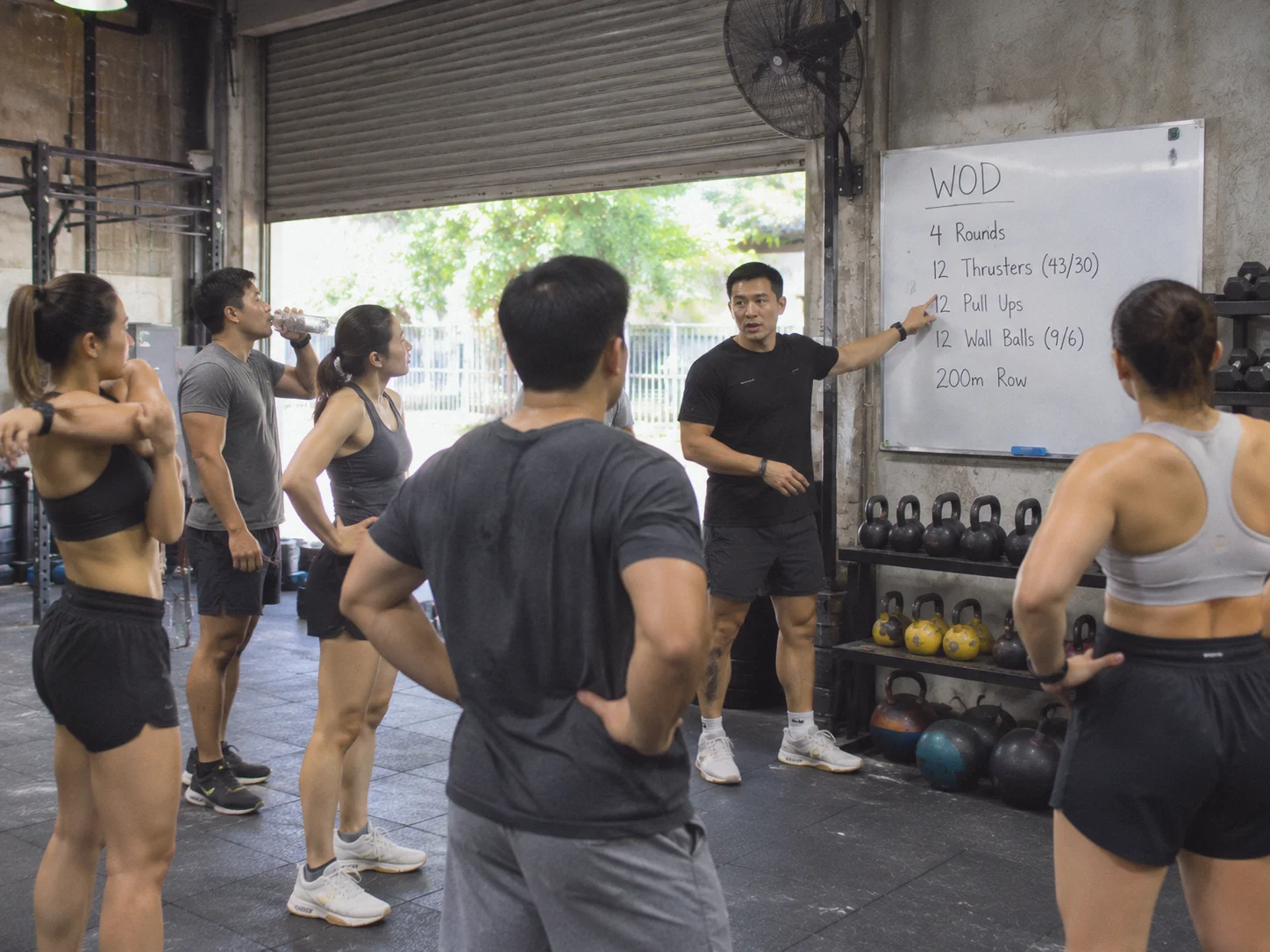
Attach the WOD to each class, so members know what's coming before they book.
- Attach WOD details to each class: movements, rounds and weights
- Members see it before booking and know what to expect
- Add Rx weights for men and women, or scaled options for beginners
- Coaches stop reposting the WOD in group chats every day


Seeing their PRs
keeps members coming back
Members log WOD times and weights in the app. Clear progress is what motivates them to renew.
- Your box manages its own exercise library
- Members log time, rounds or weight
- They can look back at their progress anytime
The 6am class is full every day,
the waitlist handles it
Coaches don't count heads at the door. Members book and check in themselves.
- Cap classes to your equipment and floor space
- Waitlist when full, with instant notifications when a spot opens
- Open gym packages for self-training
- Announcements to every member, like competition days or special classes
- Set a cancellation policy so freed-up spots go back to others
Switch from your current system
without starting over
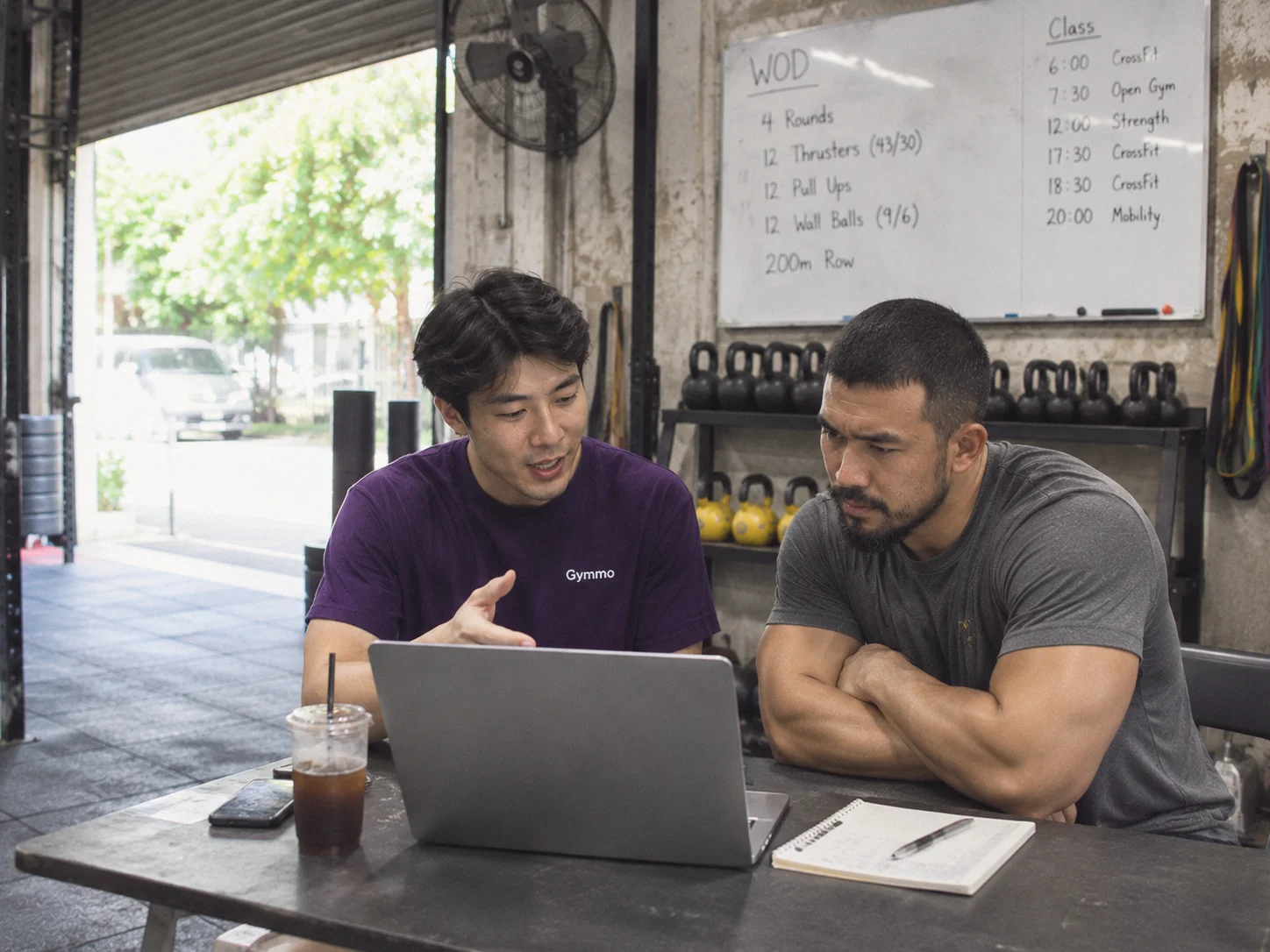
The Gymmo team sets up your classes and packages, and migrates your members with their remaining packages for free.
Email our teamCan members log WOD times or weights?
Yes. You manage the exercise library and members log their own results in the app.
Can I attach the WOD to each class?
Yes. Add WOD details to each class and members see them in the app before booking.
Can I sell unlimited memberships alongside open gym?
Yes. Set up unlimited, per-class and open gym check-in packages.
Can I cap class sizes?
Yes. Set a maximum per class; when it's full, members can join the waitlist.
How do I know which members are about to drop off?
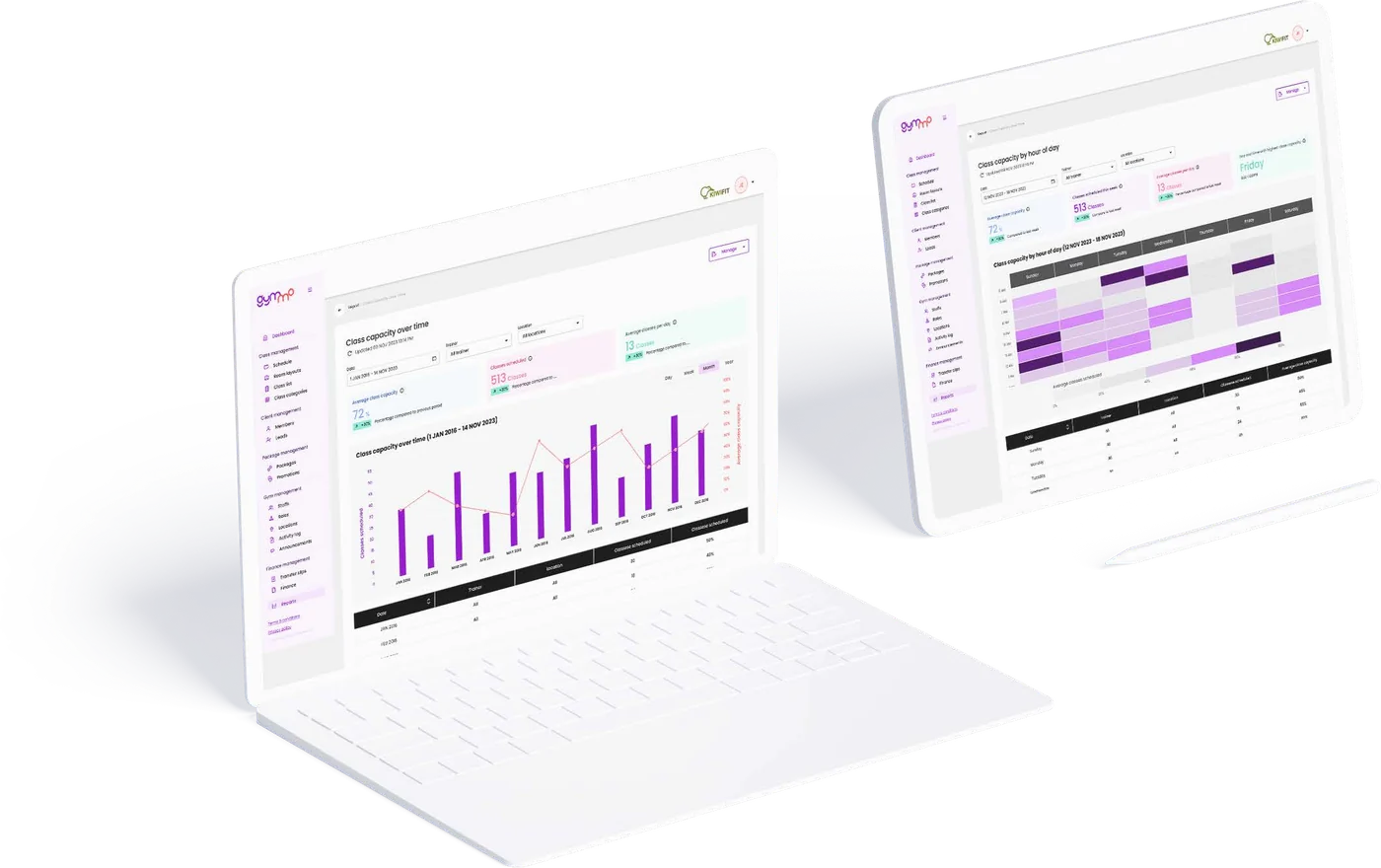
The at-risk member report shows members whose packages are about to run out.
Can I track no-shows?
Yes. Gymmo tracks no-shows, and you can set cancellation policies.
Does it work for HYROX or functional training gyms?
Yes. It supports every format: group classes, open gym and PT.
Can you migrate my data from my current system?
Yes. Export your data as CSV or Excel and the Gymmo team imports it for free.