

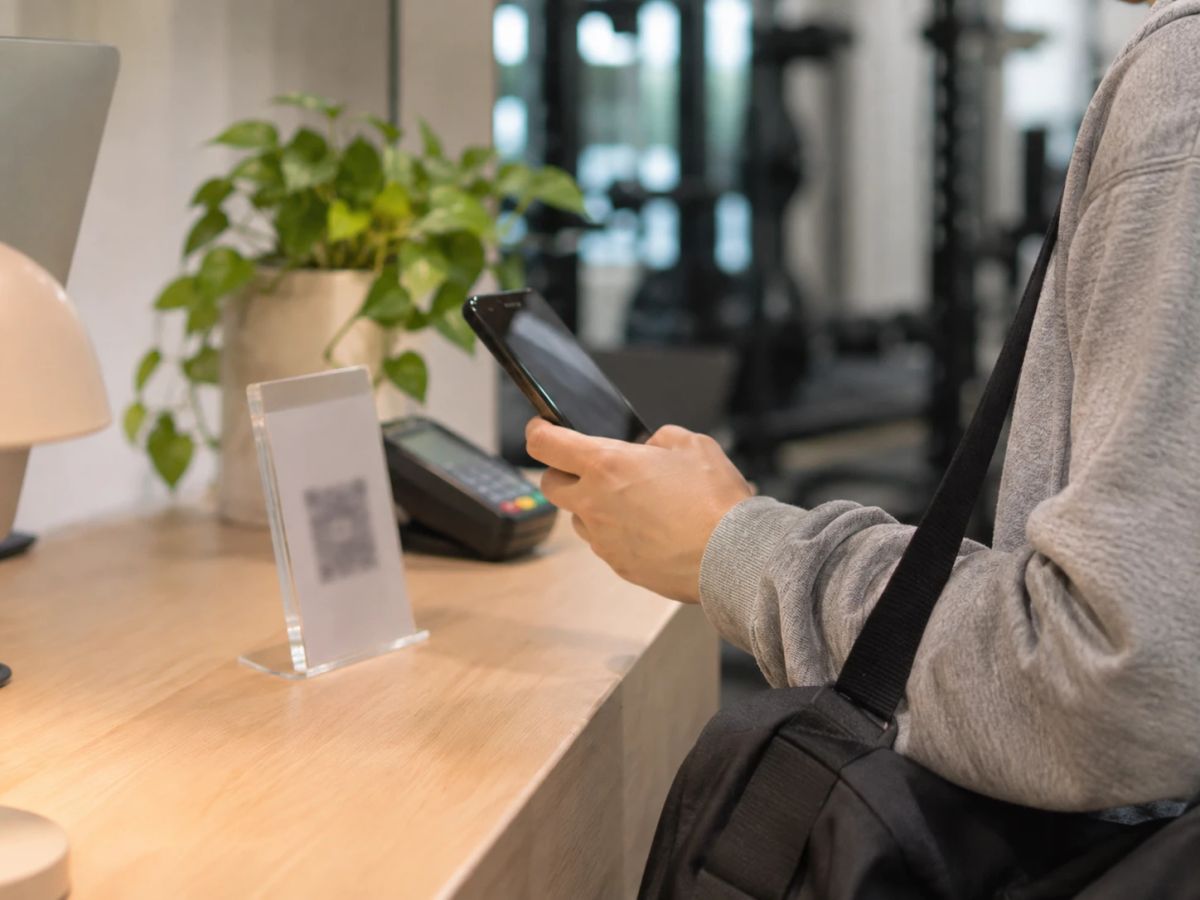
Let members buy packages and pay by PromptPay or card in your app, so payment is confirmed and the package activates instantly. For members who still transfer, use slip verification in your system instead of chat.
- Checking slips in chat eats staff time and invites mistakes, especially at busy times.
- In-app payments activate packages instantly and feed your finance reports automatically.
- Switch step by step: new members first, then invite existing members to pay in the app.
Many studios still ask members to transfer money and send the slip in chat. That works while you're small, but once several people buy packages at the same time, your team is checking amounts, matching slips to names and adding packages by hand. It's slow and easy to get wrong.
What does checking slips one by one cost your studio?
- Staff time that should go to members is spent checking amounts and replying to chats.
- Mistakes, like adding a package to the wrong person, the wrong amount, or missing a slip.
- Member experience, because members wait for confirmation before they can book.
- Scattered finance data, which makes month-end sales reporting slow.
How do automatic payments work?
Members choose a package in your app and pay by PromptPay or card. The system receives confirmation from the payment provider and activates the package immediately. Members can book straight away, and the sale is recorded in your reports without re-typing.
| Step | Transfer + slip | In-app payment |
|---|---|---|
| Member pays | Transfers, then sends a slip in chat | Pays in the app by PromptPay or card |
| Payment confirmed | Staff check each slip | Confirmed automatically |
| Package activated | Staff add it by hand | Added to the member's account instantly |
| Sale recorded | Typed into a spreadsheet later | Flows into finance reports |
What about members who still transfer?
Some members prefer bank transfers, and you don't have to force a change. Ask them to upload the slip through the system instead of chat. Your team sees every slip in one menu, approves it in one click, and the package activates once approved.
How do you switch without disrupting members?
- Start with new members: their first package is bought in the app.
- Tell existing members in advance, with short steps for paying in the app.
- Have front desk staff help members who aren't confident at first.
- After a month, check the share of in-app payments, then phase out slips in chat.
Every slip your team doesn't have to check is time back for your members.
What should you check before accepting online payments?
- The fee per online transaction
- How long it takes for money to reach your bank account
- Receipts or tax invoices after payment
- Refunds when a member cancels
See how Gymmo handles in-app payments on the product page.
FAQ
What about members who don't want to pay in the app?
They can still transfer, but they upload the slip through the system. Your team reviews and approves it in one menu instead of searching through chats.
Are there fees for online payments?
Payment providers charge a fee per transaction. Ask for the exact rate before choosing a system and factor it into your package prices.
Do I still need to issue receipts by hand?
Good software issues receipts or tax invoices after payment, so you don't have to prepare documents manually.