

Good class booking software lets members book and pay in an app, runs waitlists and reminders automatically, supports your payment methods and tax invoices, and comes with support that replies.
- Start with the member experience: if booking is hard, members go back to messaging you.
- Check the money side fully: local payment methods, cards, transfer slips and tax invoices.
- Always ask about data migration, support and contracts before you sign.
As your studio grows, taking bookings by chat and tracking packages in a notebook starts eating your team's day. Choosing class booking software isn't just about a tool: it directly affects your revenue and your members' experience. This checklist helps you compare options in one place.
Why does booking software matter for studio revenue?
Every time a member waits for a reply, there's a chance they postpone or don't book at all. The faster popular classes fill, the more you lose without a waitlist. Good software lets members book instantly, refills empty spots automatically, and gives your team time back for members instead of admin.
How easy should it be for members?
1. Book and cancel in an app
Members should see the schedule, choose a class and book by themselves, 24/7, without messaging your team.
2. Waitlists with automatic notifications
An automatic waitlist refills spots freed by cancellations, so revenue doesn't go to waste.
3. Spot or machine selection (if you need it)
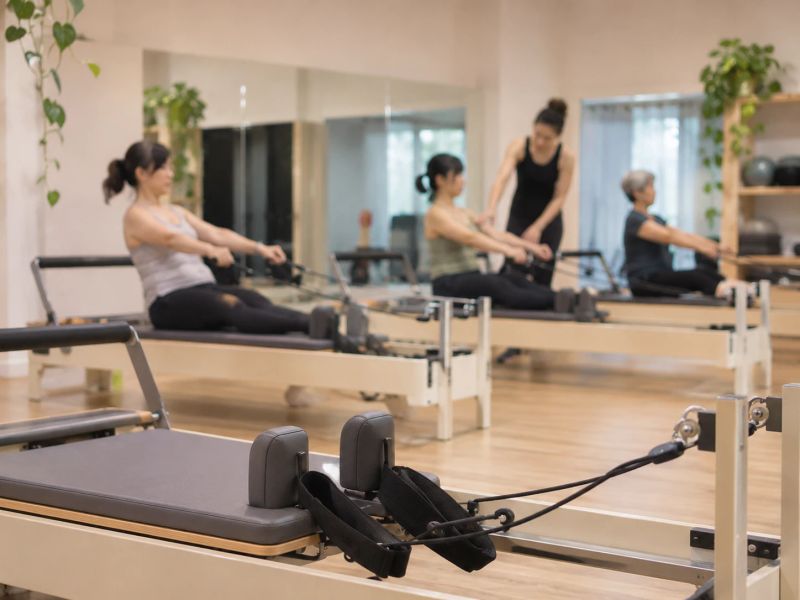
Reformer Pilates or cycling studios should let members pick their machine from the real room layout.
4. The languages your members speak
If you have international members, the software should work in both English and your local language.
How should the back office help your team?
5. Flexible packages with automatic deductions
It should handle drop-in, unlimited and private packages, and deduct sessions correctly on every booking or check-in.
6. Role-based staff access
Owners, managers, front desk and instructors should only see what they need for their job.
7. Reports that support decisions
At minimum, know which classes are full, which times are quiet, and which members' packages are about to run out.
What should you check on payments, tax and data?
8. The payment methods members actually use
In Thailand that means PromptPay and credit cards, plus a way to verify transfer slips.
9. Receipts and tax invoices
If you're VAT-registered or have corporate clients, the software should issue documents without manual work.
10. Data import and export
Member data belongs to your studio. You should be able to import it from your old system and export it yourself anytime.
What should you ask a provider before you decide?
| Question | Why it matters |
|---|---|
| What is the price based on, and what makes it grow? | Avoids costs jumping as you grow |
| What are the online payment fees? | It's a cost on every sale |
| Is there a contract or setup fee? | Shows how easy it is to leave if it's not a fit |
| Will you migrate my data and help me set up? | Saves your team time at the start |
| How do I reach support, and how fast do you reply? | Problems at the front desk can't wait |
The best system is the one members actually use, and your team never has to go back to manual work.
Before you decide, try the software with your real classes for a while. Check whether members book by themselves and whether your team really saves time. See the features on the product page and plans on the pricing page.
FAQ
Does a small studio need booking software?
If you answer booking messages every day or packages start getting miscounted, it's time. Software lets members book themselves and deducts sessions automatically, so your team gets time back for clients.
What pricing model should I look for?
Check what the price grows with, such as members, branches or staff, and choose a model that grows with your revenue. Check online payment fees separately too.
Is it hard to move from my current system?
Most systems let you export members as CSV or Excel. Ask the new provider whether they import it for you, and whether members' remaining packages move across correctly.